First make pro music. Then learn how you did it.

First make pro music. Then learn how you did it.

First make pro music. Then learn how you did it.

Mix your first song in minutes with templates, then learn the process at your own pace with lesson videos.

Mix your first song in minutes with templates, then learn the process at your own pace with lesson videos.

Mix your first song in minutes with templates, then learn the process at your own pace with lesson videos.

Cakewalk

Cakewalk

Logic Pro

Logic Pro

Audacity

Audacity

Reaper

Reaper

FL Studio

FL Studio

Results in No Time

Templates for Windows and MacOS help you mix your first song instantly. Just open one up and record to get a finished song in no time.

Learning at Your Pace

Quality videos teach you the music-making process front to back. That includes detailed mixing tutorials, plus lessons on gear, recording, mastering, publishing, and more.

Lifetime Benefits

Subscribing gets you live masterclasses, the exclusive Discord, premium mixing done for you, mastering, bonus plugins, beats, and more—all 100% free.

Don't just take our word for it.

Don't just take our word for it.

Male Vocal, Melodic Hip-Hop
0:00 / 0:00
Vocal
Beat
Male Vocal, Pop
0:00 / 0:00
Vocal
Beat
Female Vocal, Pop
0:00 / 0:00
Vocal
Beat
Male Vocal, Melodic Hip-Hop
0:00 / 0:00
Vocal
Beat
Male Vocal, Pop
0:00 / 0:00
Vocal
Beat
Female Vocal, Pop
0:00 / 0:00
Vocal
Beat

Don't just take our word for it. Listen to a song mixed only with Bedroom Artist Academy templates—no changes whatsoever.

Don't just take our word for it. Listen to a song mixed only with Bedroom Artist Academy templates—no changes whatsoever.

Windows, check.

Windows, check.

Windows, check.

The templates and videos work with any Windows DAW that supports VST3 plugins. Cakewalk is the recommended option (and you can get it for free) but any software from Ableton to Audacity works.
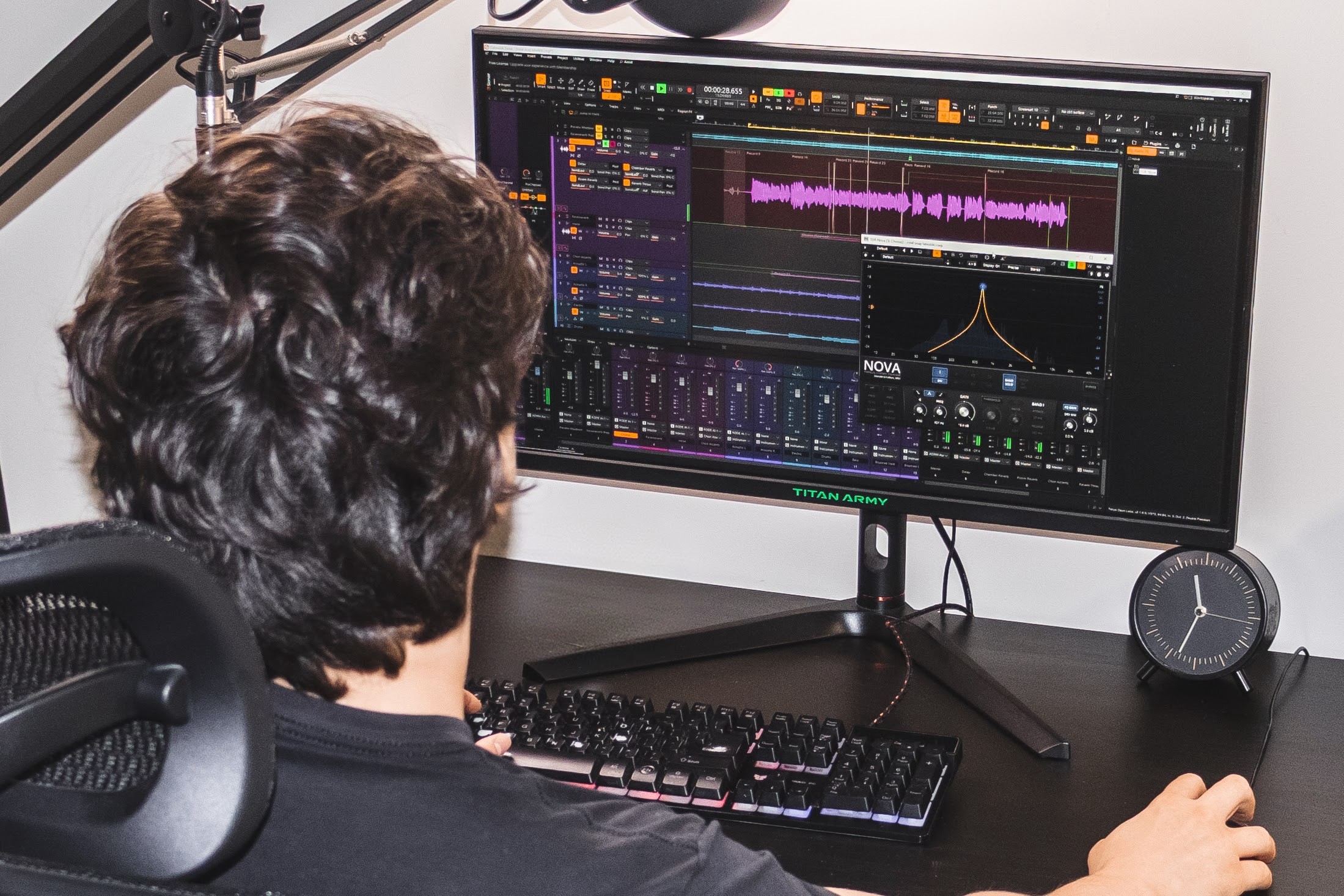
The templates and videos work with any Windows DAW that supports VST3 plugins. Cakewalk is the recommended option (and you can get it for free) but any software from Ableton to Audacity works.

MacOS, supported too.

MacOS, supported too.

MacOS, supported too.

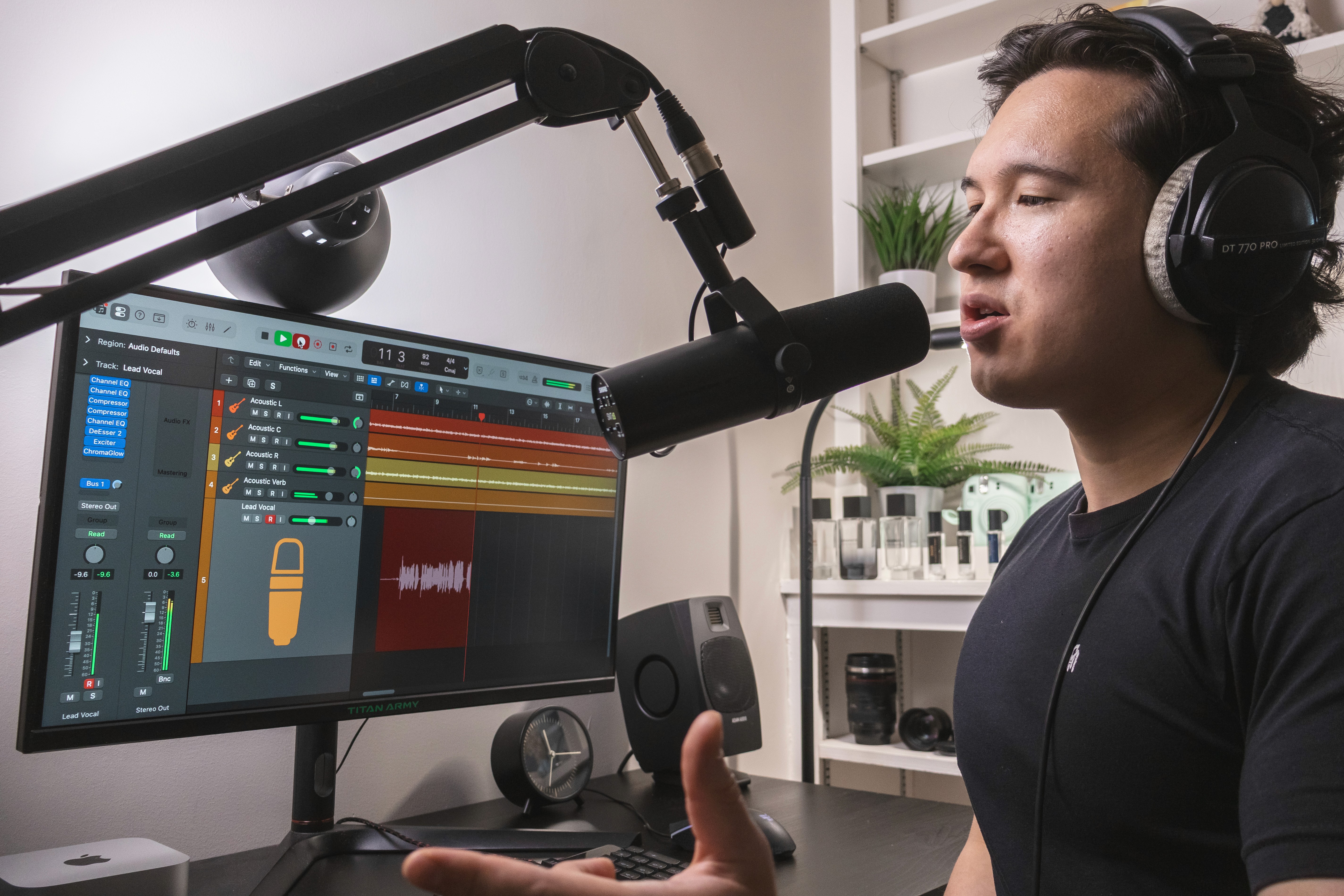
Logic Pro is the recommended DAW for Macs. You can even use the repeating 3-month free trial indefinitely. VST presets are also included to use with any DAW on MacOS that supports VST plugins.

Logic Pro is the recommended DAW for Macs. You can even use the repeating 3-month free trial indefinitely. VST presets are also included to use with any DAW on MacOS that supports VST plugins.

What's inside

What's inside

01

Instant Setup

Tap to read
01

Instant Setup

Every Template has a Quick Start video. The video walks you through how to download and open the Template in your software, input your key and tempo, then get to recording right away. These Templates hold years of mixing knowledge and you can download them in a second.
Tap to go back
02

Setup

Tap to read
02

Setup

After you start making music with the Templates, you may still have some questions. The lesson videos cover it all: picking gear, choosing software, leasing beats, contracting instrumentals, coming up with melodies, writing lyrics, how to record efficiently, and more.
Tap to go back
03

Mixing Fundamentals

Tap to read
03

Mixing Fundamentals

You’ll want to “catch up” to the Templates so you understand how they work and how to adjust things. There’s a lot to learn, from EQ to compression to reverb. The lesson videos cover it all so you fully understand vocal mixing.
Tap to go back
04

Advanced Effects

Tap to read
04

Advanced Effects

The Academy isn't just for beginners. Also covered are advanced effects to make your music unique. Sound effects, reverse reverb, automation, layering, and more are demonstrated in the videos to help take your music to the next level.
Tap to go back
05

Distribution

Tap to read
05

Distribution

It's time to get your music on all platforms. We help you make smart decisions to maximize performance and profits of your music. And if you want synced lyrics or moving backgrounds on Spotify, we'll show you how to get those too.
Tap to go back
06

Community

Tap to read
06

Community

We offer a community like no other. Regular video calls help with any issues that may pop up. Our support tab in the app offers 24-hour technical assistance. And the exclusive artist Discord? That may just be where you find the feature for your next release.
Tap to go back
07

Cancel Anytime

Tap to read
07

Cancel Anytime

You can cancel your subscription anytime with no fees, so we know we have to fight to earn your stay in the Academy. That's why we made recurring benefits so amazing—free beats, free mastering, and free mix help are just the beginning.
Tap to go back
01

Instant Setup

Tap to read
01

Instant Setup

Every Template has a Quick Start video. The video walks you through how to download and open the Template in your software, input your key and tempo, then get to recording right away. These Templates hold years of mixing knowledge and you can download them in a second.
Tap to go back
02

Setup

Tap to read
02

Setup

After you start making music with the Templates, you may still have some questions. The lesson videos cover it all: picking gear, choosing software, leasing beats, contracting instrumentals, coming up with melodies, writing lyrics, how to record efficiently, and more.
Tap to go back
03

Mixing Fundamentals

Tap to read
03

Mixing Fundamentals

You’ll want to “catch up” to the Templates so you understand how they work and how to adjust things. There’s a lot to learn, from EQ to compression to reverb. The lesson videos cover it all so you fully understand vocal mixing.
Tap to go back
04

Advanced Effects

Tap to read
04

Advanced Effects

The Academy isn't just for beginners. Also covered are advanced effects to make your music unique. Sound effects, reverse reverb, automation, layering, and more are demonstrated in the videos to help take your music to the next level.
Tap to go back
05

Distribution

Tap to read
05

Distribution

It's time to get your music on all platforms. We help you make smart decisions to maximize performance and profits of your music. And if you want synced lyrics or moving backgrounds on Spotify, we'll show you how to get those too.
Tap to go back
06

Community

Tap to read
06

Community

We offer a community like no other. Regular video calls help with any issues that may pop up. Our support tab in the app offers 24-hour technical assistance. And the exclusive artist Discord? That may just be where you find the feature for your next release.
Tap to go back
07

Cancel Anytime

Tap to read
07

Cancel Anytime

You can cancel your subscription anytime with no fees, so we know we have to fight to earn your stay in the Academy. That's why we made recurring benefits so amazing—free beats, free mastering, and free mix help are just the beginning.
Tap to go back

How we stack up…

ComparisonCostInstant
results
No
commitment
Quality
content
Self-
paced
CommunityGrowth
resources
Bedroom
Artist

Academy
Top choice
$100+
Music
Degree
$10K+/yr
Private
Lessons
$75–150/hr
Pro Mixing
& Mastering
$300+/track
Swipe to compare features

How we stack up…

ComparisonBedroom Artist AcademyMusic DegreePrivate LessonsPro Mixing & Mastering
CostStarts at $100$10,000+ per year$75–150 per hour$300–1,000+ per track
Instant results
No long-term commitment
High-quality educational content
Learn at your own pace
Community
Resources to grow
Best value for moneyTop choice
Bedroom Artist Academy
Start for only
$199
$99
Templates
Lesson videos
Recurring benefits
Weekly check-ins
Unedited audio
Get Started

Lock in our best deal yet.

Start your journey from aspiring to up-and-coming today. If you need time, we'll email you a free preview module from the Bedroom Artist Academy. Don't worry, we won't send you spam emails.

© Jason R. Media LLC 2026

Instagram

Email